Godot PR: Add closed property to Curve3D
Godot Engine PR #86195 adds a closed property to the Curve3D class.
Previously, 3D curves in Godot didn’t support a native closed mode. As a workaround, developers had to manually duplicate the first point at the end of the curve.
This approach had several drawbacks:
- Redundant control points, poorer UX, and manual adjustments every time the curve changed.
- Tilt data didn’t interpolate correctly across the closing segment.
- Explicitly marking a curve as closed is useful for many workflows, especially mesh extrusion and procedural generation, where distinguishing between open and closed curves is important.
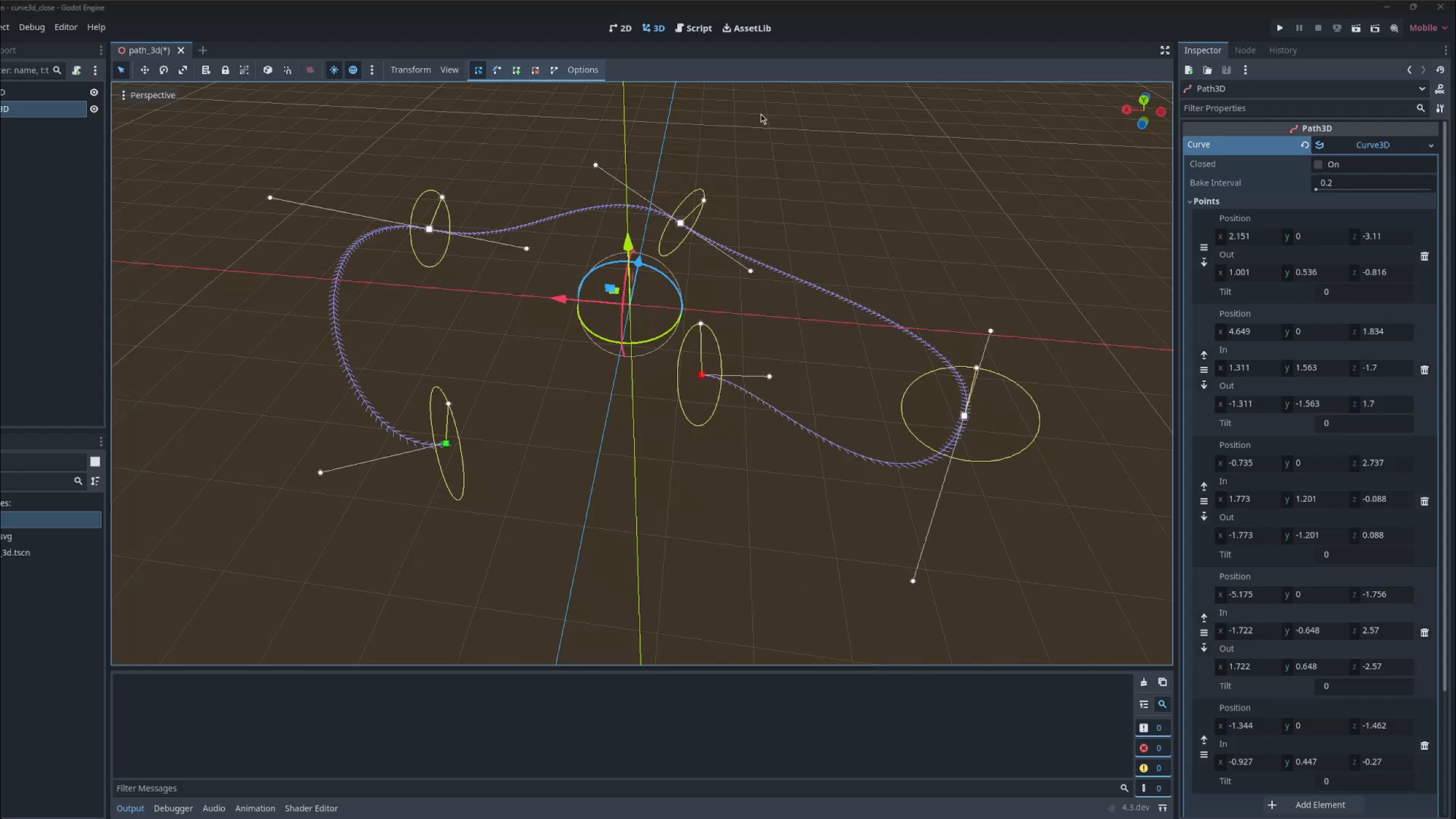
The implementation involved:
- Changing the color of the start and end points (especially useful for closed curves, where the beginning of the curve is otherwise unclear).
- Displaying the In handle for the start point and the Out handle for the end point when
closed = true. - Showing the In and Out properties in the Inspector when
closed = true. - Replacing the Close Curve button in
Path3DEditorPluginwith a toggle that switches theclosedproperty on and off. - Adding the corresponding documentation.
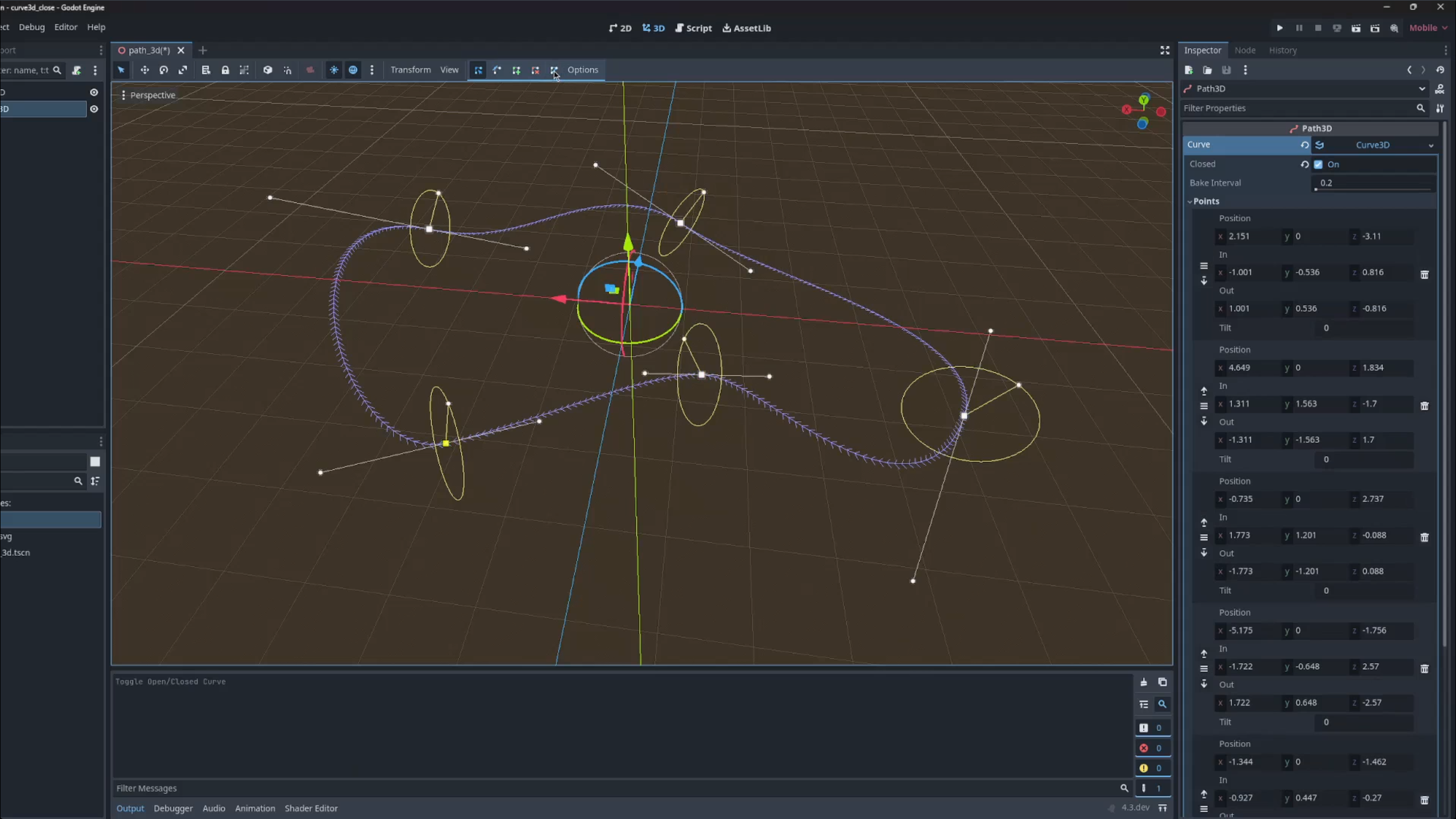
You can read the full discussion and implementation details in the pull request: Add closed property to Curve3D.